watchOS 27.3 Beta Adds Always-On Audio Intelligence Features
watchOS 27.3 beta introduces always-on Audio Intelligence features, including Siri Recap and Live Rewind, which allow Siri to summarize and transcribe recent audio captured by the Apple Watch's microphone.
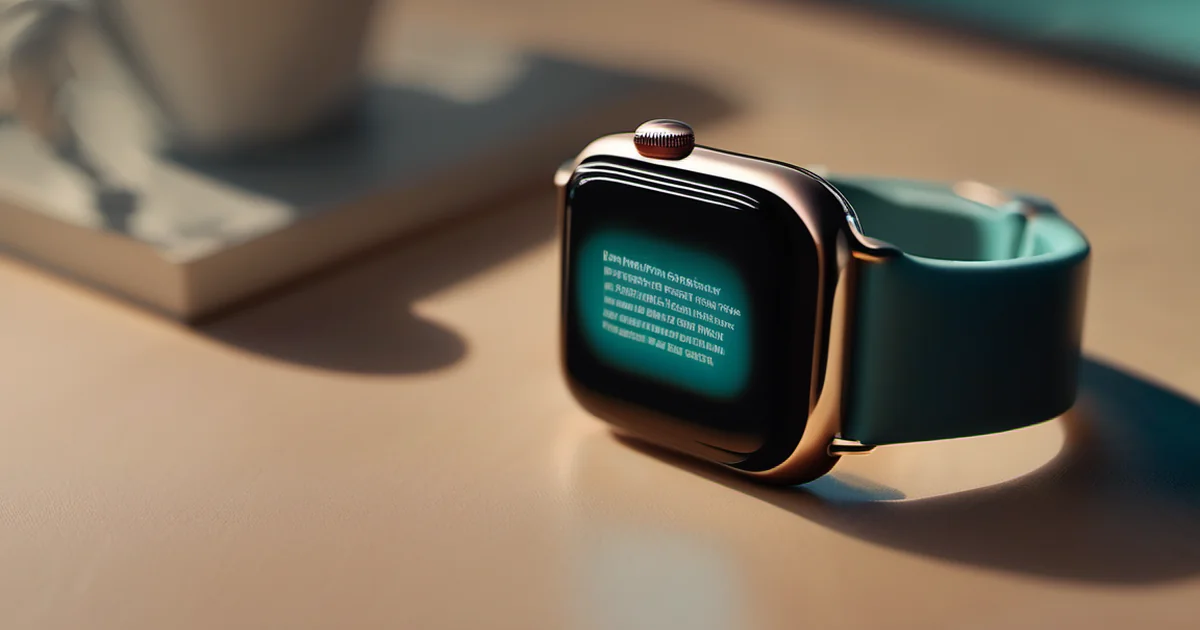
Introduction of Audio Intelligence Features in watchOS 27.3 Beta
Apple’s latest watchOS beta includes its new always-on Audio Intelligence features, which expand Siri’s capabilities on the Apple Watch. These features, available in the watchOS 27.3 developer beta, allow Siri to ‘rewind’ and summarize audio captured by the Watch’s microphone. Two key additions are Siri Recap and Live Rewind. Siri Recap uses ambient listening to generate summaries of conversations, while Live Rewind provides text transcripts of the last 15 seconds of audio detected by the mic. These features are part of Apple’s ongoing efforts to enhance voice-based interactions and contextual awareness on wearable devices. The beta is currently available to developers, and Apple has not yet provided details on when these features will be released to the general public.
Functionality of Siri Recap and Live Rewind
Apple’s latest watchOS beta introduces two new features under its always-on Audio Intelligence umbrella: Siri Recap and Live Rewind. Siri Recap uses ambient listening to generate high-level summaries of conversations, allowing users to review key points later for reference, as noted by Apple. Live Rewind, on the other hand, provides text transcripts of the last 15 seconds of audio captured by the watch’s microphone, helping users recall what was just said in a conversation. These features aim to enhance user interaction with voice-based technologies by offering real-time and post-conversation insights. Both tools operate without requiring explicit user activation, leveraging the watch’s microphone for continuous audio monitoring. Apple has not provided specific details on how data is handled or stored, but the features are designed to be accessible through the watch’s interface. Users should be aware that these capabilities involve ongoing audio capture and processing.
User Interaction with Audio Intelligence Features
Apple’s latest watchOS beta introduces new always-on Audio Intelligence features that enhance user interaction with voice-based tasks. A double-press of the Digital Crown allows users to view the previous 15 seconds of a conversation as a text snippet, helping them catch something they may have missed or are less familiar with (The Verge AI). Users can then ask Siri about the content of the text or save it to the Siri app for later review (The Verge AI). Additionally, when Siri Recap is enabled, Apple Intelligence automatically generates a title and key points in the new Siri app after a conversation, helping users stay more present and engaged in the moment (The Verge AI). These features aim to improve accessibility and usability without requiring constant visual attention to the device.
Privacy Measures for Audio Intelligence
Apple’s latest watchOS beta includes its new always-on Audio Intelligence features, which allow Siri to ‘rewind’ and summarize audio captured by the Watch’s microphone. In response to privacy concerns surrounding ambient, always-listening AI, Apple has published an Audio Intelligence Privacy Overview (pdf) outlining its approach to protecting user data. According to the document, raw audio data is processed within dedicated hardware and is not stored as a file, nor is it accessible to the operating system, apps, or Apple. Additionally, if users choose to save Siri Recap summaries or Live Rewind text snippets and have iCloud with two-factor authentication and a device passcode, the data syncs across devices using end-to-end encryption within the Siri app.
Sources and reporting notes
Based on published source material. No independent hands-on testing is claimed.



