Rhythm Installation, Authentication, and Configuration Guide
Rhythm requires installation via Bun or local checkout, uses GitHub CLI authentication, and supports YAML-based configuration for customization and repository management.
Installation and Setup
Installation of Rhythm requires either a global Bun package installation or running from a local checkout. To install globally, use bun install -g @problemsdev/rhythm and verify the installation with rhythm --version. Alternatively, clone the repository with git clone https://github.com/problemsdev/rhythm, navigate into the project directory, run bun install, and start the application with bun start. For convenience, create a symlink from the project's src/index.tsx to your PATH using ln -s "$PWD/src/index.tsx" ~/.bun/bin/rhythm. Authentication is handled via the GITHUB_TOKEN environment variable if set, otherwise it falls back to the token obtained from gh auth token.
Authentication and Access
Rhythm relies on GitHub CLI authentication for access to repositories. If the GitHub CLI is properly configured, Rhythm inherits the same access levels, including visibility to both public and private repositories the user has access to, as noted in the default scopes from gh auth login (Hacker News Show). The application's functionality varies based on the permissions of the authentication token: for instance, Dependabot alerts are only displayed if the token has the necessary permissions to view them on GitHub for a specific repository (Hacker News Show). In cases where a repository is inaccessible—due to typos, lack of access, or deletion—Rhythm displays an error message within the card, providing immediate feedback to the user (Hacker News Show).
Configuration and Customization
Configuration in Rhythm is handled via YAML files, with support for multiple locations including $RHYTHM_CONFIG, ./rhythm.yaml, and $XDG_CONFIG_HOME/rhythm/config.yaml (defaulting to ~/.config/rhythm/config.yaml). Users can also specify a configuration file explicitly using the rhythm --config command. The configuration allows customization of refresh intervals, grid column counts, and repository listings. For example, the refresh parameter sets how often Rhythm polls GitHub, with a default of 2 minutes. Repositories can be listed in bare form (e.g., problemsdev/rhythm) or with additional metadata using a mapping structure. Links can be associated with repositories for quick navigation, with keys 1-9 mapped to specific URLs. These settings provide flexibility for users to tailor the interface to their workflow.
Dashboard Interface and Layout
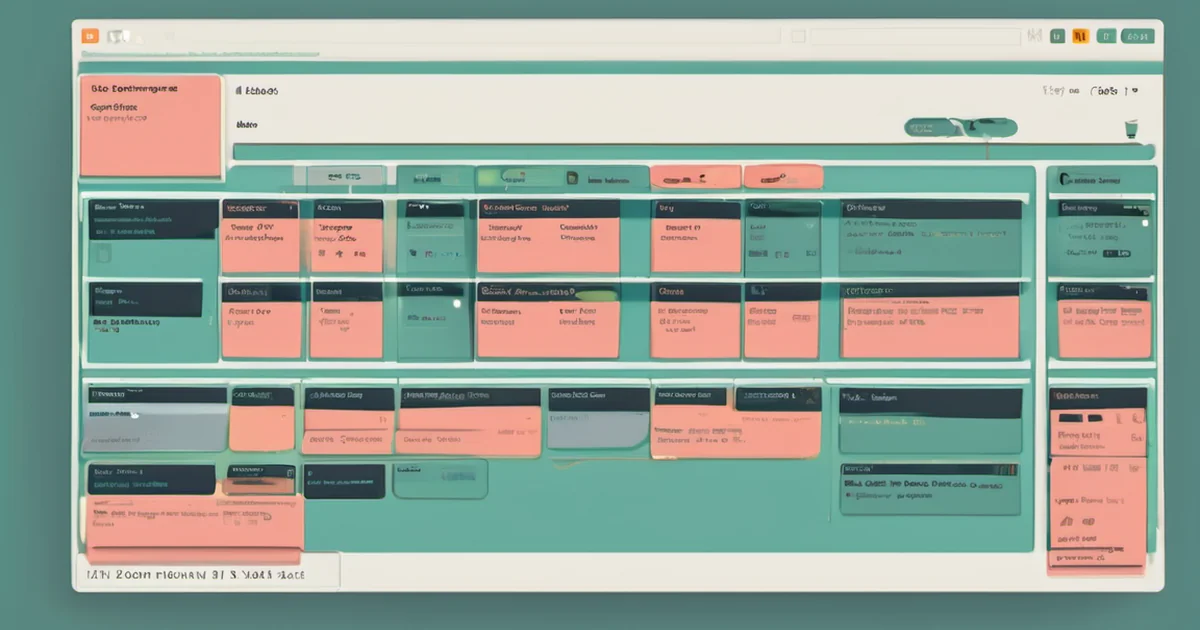
The dashboard interface of Rhythm presents a clean, skimmable TUI for GitHub repos. The header displays the total number of repos, the last refresh time, and indicates loading status with a spinner or error messages if applicable. Below, cards fill a grid, each representing a single repo, with the footer showing a key hint and the config file in use.
Card borders use color coding to convey status: blue for the selected card, red for failing main branches or failed repo loads, orange for critical or high dependabot alerts or failing CI on PRs, yellow for open PRs or alerts in progress, and gray for repos that are all quiet. Each card lists, from top to bottom, the main branch and its latest commit, the ten most recently updated open PRs (with a … N more open PRs row if there are more), the dependabot alert summary, and any configured links.
Visual Indicators and Interactions
Rhythm’s visual indicators provide a clear, skimmable overview of GitHub repos through a TUI interface. Glyphs like ✓, ✗, ◌, and · represent CI statuses for main and PR head commits, while ◇ dims rows for draft PRs. Symbols such as ✔, ±, and ⚠ indicate review status and dependabot alerts, respectively. Users can expand check runs for main by pressing space, and check runs are ordered by failure status, then running, queued, and finished. Interactions like clicking on a repo open its commit history, PRs, or dependabot alerts, with relative times (e.g., 4m, 2h, 3d) updating automatically between polls. These visual cues and interactions streamline navigation and monitoring of repo activity without requiring users to leave the TUI.
Sources and reporting notes
Based on published source material. No independent hands-on testing is claimed.