Rebuilding Scanned Pages as Vector PDFs
Rebuilding scanned pages as vector PDFs involves converting raster images into scalable vector graphics while preserving the original layout and content.
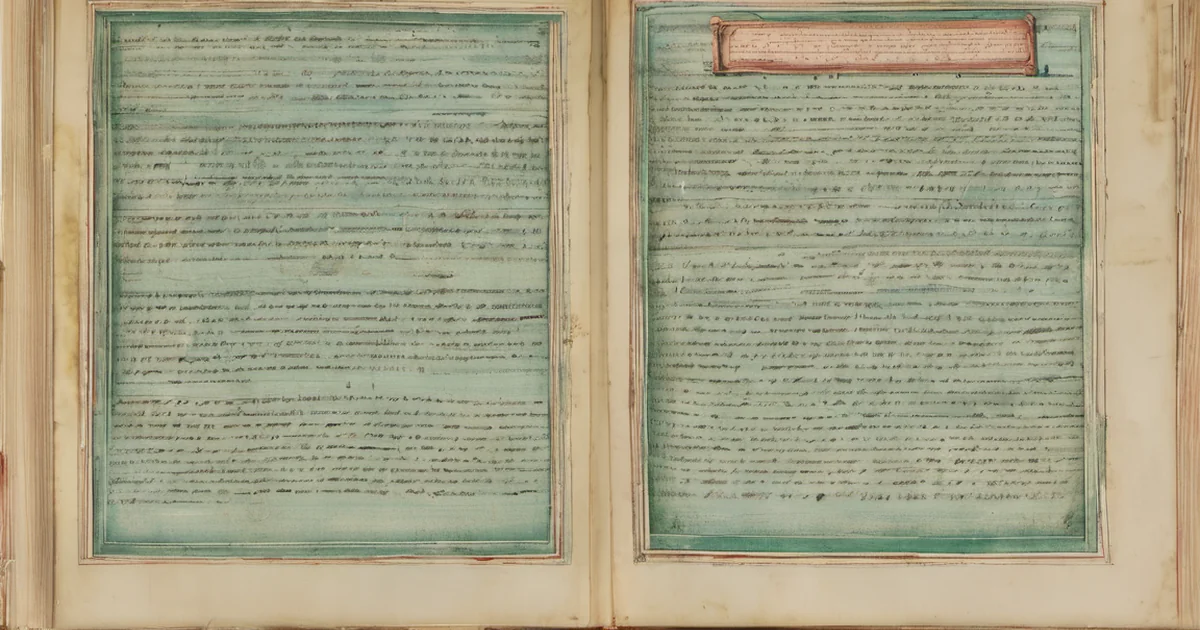
Rebuilding Scanned Pages as Vector PDFs
Rebuilding scanned pages as vector PDFs involves converting raster images into scalable vector graphics while preserving the original layout and content. This process is demonstrated in the Byrne's Euclid (1847) example, where text, color diagrams, and engraved initials are reconstructed with precision. The output includes searchable text in an open Caslon font, 82 vector paths aligned to the original scan, and a cleaned raster crop for the engraved initial. A page ledger and structural audit confirm that the output matches the scan with no issues. Editorial choices, such as modernizing the long s (ſ) and redrawing symbols like ∴ and ⊥, are recorded in the ledger for transparency. The process is slower than using OCR alone but produces a clean, accurate PDF with vector diagrams and recovered chart data. This method is ideal for preserving historical documents with high fidelity.
Performance and Accuracy of AI Agents
Performance and accuracy of AI agents in scan-to-vector conversion vary significantly across models. According to Hacker News Show, Haiku and Fable struggle with long documents, producing stretched pages, misaligned tables, and distorted diagrams, with worst-case page scores of 0.56 and 0.63, respectively. In contrast, Hacker News Show reports that Sonnet completed 9-page documents 37% faster than other models, using fewer tokens, while also improving the worst pages of both Sonnet and Opus. Additionally, Hacker News Show highlights that on 18 fresh pages, the draft alone—without an agent—achieves scores of 0.917 (v4), 0.969 (v5), and 0.989 (v6), indicating that baseline models can already produce high-quality results in some cases.
Use Cases and Installation Instructions
Scan-to-vector is particularly useful in scenarios where the original page needs to be reconstructed, such as reprinting worksheets, restoring manuals with diagrams, reviving old books, or recovering numerical data from charts. This capability ensures that scanned documents are not just preserved but also made editable and scalable for further use.
Installation involves adding the scan-to-vector skill via the Claude Code plugin marketplace. In a Claude Code session, users can execute /plugin marketplace add 3351666087/scan-to-vector-skill followed by /plugin install scan-to-vector@scan-to-vector-skill. Alternatively, a one-line command in a shell environment can be used: curl -fsSL https://raw.githubusercontent.com/3351666087/scan-to-vector-skill/main/install.sh | bash. This script installs the skill into the appropriate directories for Claude and Codex agents found on the machine.
Scripts and Reproducing Demos
Scripts and reproducing demos are essential for verifying and extending the functionality of the Scan-to-vector project. The provided commands allow users to process scanned images, generate vector PDFs, and audit the results. For instance, draft.py can be used to compare and report on the quality of scanned pages, while zoom.py enables detailed analysis of specific regions within an image. To reproduce the demos, users can set up a virtual environment, install dependencies, and run example scripts such as build.py and digitize.py. These scripts generate PDFs from scanned data and create visualizations used in the project's README animations. The rebuilt pages are embedded with text as outlines, ensuring consistent appearance across systems, while the PDFs retain real text for accessibility and searchability.
Benchmarking and Evaluation
Benchmarking and evaluation of the scan-to-vector AI agent involve generating test data from a set of 18 pages with ground truth using the command .venv/bin/python bench/generate.py --out data --split test --count 3 --seed 9100 --hard. The generated data is then processed into packets for evaluation. The agent is run on each packet twice—once with and once without the skill—to compare performance. The scorer, located in bench/score.py, evaluates each rebuilt page by aligning it with the original and combining metrics such as text F1, layout ink F1, figure ink F1, and vector share. This process ensures a comprehensive assessment of the agent's ability to reconstruct scanned pages into accurate vector PDFs.
Sources and reporting notes
Based on published source material. No independent hands-on testing is claimed.



