NVIDIA GPU Fractioning on Amazon EKS Validation Setup
The validation environment used an Amazon EC2 g5.xlarge instance with an NVIDIA A10G GPU, Amazon EKS 1.36, and specific NVIDIA drivers and tools to configure GPU fractioning on Amazon EKS.
Validation Environment and Configuration
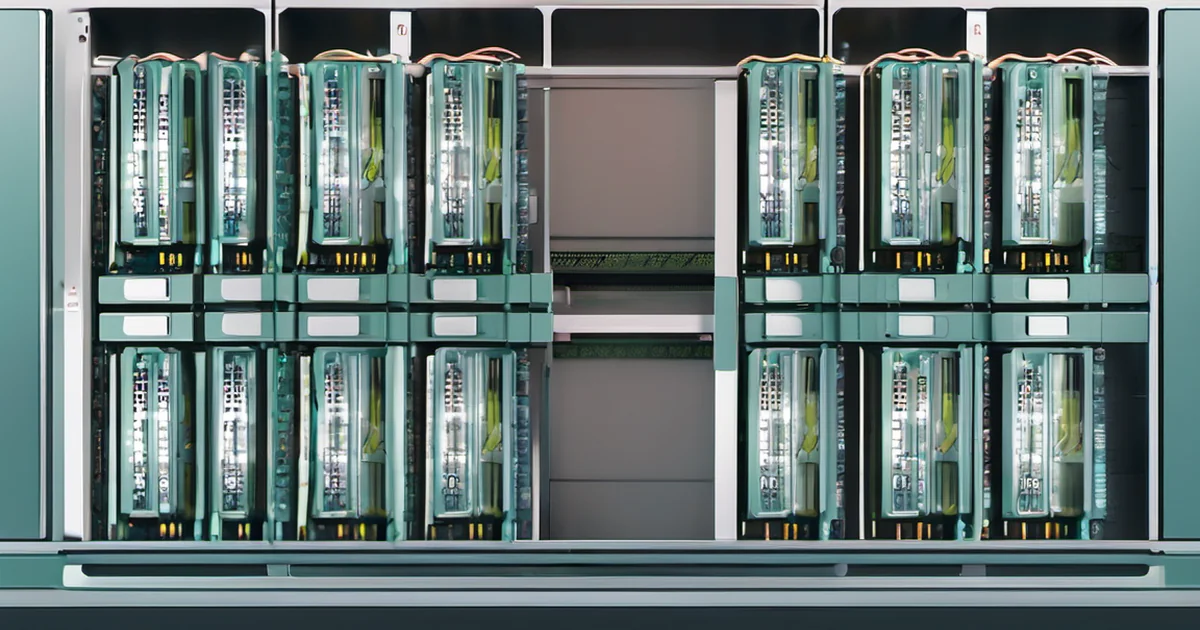
The validation environment for this walkthrough was configured using an Amazon EC2 g5.xlarge instance equipped with an NVIDIA A10G Tensor Core GPU, as noted in the excerpt. The setup included Amazon EKS version 1.36, NVIDIA driver version 615.71.10, and the NVIDIA Container Toolkit version 1.20.1-1. Additional components such as containerd (2.3.5 with NRI), GPU Operator (26.7.1), and the KAI Scheduler and Fractioning Operator (0.18.5 and 0.1.7, respectively) were also validated. The configuration was tested on October 22, 2026, using the specified NVIDIA driver version. The excerpt also outlines a portion of the eksctl-cluster.yaml.tpl file, which includes IAM settings with OIDC enabled, a single NAT gateway, and a managed node group with specific instance types and networking configurations. A custom AL2023 image was built using the provided script to incorporate the R615 driver branch.
Custom AMI Image Creation and Requirements
Creating a custom AMI for NVIDIA Run:ai GPU fractioning on Amazon EKS requires specific configuration steps. According to AWS Machine Learning, Packer installs the current patch release from the R615 driver branch and the toolkit, configures the NVIDIA runtime, checks package state, and creates an encrypted image. This step is necessary because, as noted in AWS Machine Learning, the EKS-optimized AL2023 NVIDIA AMI did not include the R615 driver branch at the time of validation. The relevant Packer settings for this process are outlined in AWS Machine Learning from the file ami/eks-al2023-r615.pkr.hcl, which includes the source_ami and region parameters, along with options for encryption and metadata configuration.
GPU Operator Installation and Host Configuration
Installing the NVIDIA Run:ai GPU Fractioning solution on Amazon EKS begins with configuring the GPU node group. The eksctl-gpu-nodegroup.yaml.tpl file specifies a node group named gpu-g5-r615-ondemand with instance type g5.xlarge and an AMI based on Amazon Linux 2023. The node group is configured with a taint that prevents non-GPU workloads from scheduling on the GPU nodes, ensuring dedicated use of the hardware.
Once the node group is set up, the next step is to install the GPU Operator using the command ./run.sh install-gpu-operator. This installs version 26.7.1 of the GPU Operator, which provides the device plugin and Kubernetes integrations necessary for GPU management. The host configuration on the validated node includes an NVIDIA A10G GPU with 23028 MiB of memory, driver version 615.71.10, and supporting software such as the NVIDIA Container Toolkit (1.20.1-1), containerd (2.3.5), and cgroup2fs.
GPU Fractioning Implementation and Testing
Implementing GPU fractioning on Amazon EKS using NVIDIA Run:ai involves installing the KAI Scheduler and GPU Fractioning Operator via the command ./run.sh install-kai, which deploys version 0.18.5 of the KAI Scheduler and 0.1.7 of the GPU Fractioning Operator (AWS Machine Learning). A YAML configuration file specifies memory constraints, such as nvidia.com/container.gpu-workload.gpu-memory.request: 8Gi and nvidia.com/container.gpu-workload.gpu-memory.limit: 8Gi, and assigns the kai-scheduler to manage pod placement (AWS Machine Learning). Testing confirms that two pods, fraction-8gi-a and fraction-8gi-b, run successfully on the same GPU node, with metrics showing approximately 6.7 GiB of GPU memory used per pod (AWS Machine Learning). To verify enforcement of memory limits, a test allocates 9 GiB on an 8 GiB contract, which is expected to be rejected (AWS Machine Learning).
Resource Cleanup and Verification
After deploying and testing the NVIDIA Run:ai GPU fractioning environment on Amazon EKS, it is essential to perform proper resource cleanup to avoid unnecessary costs and maintain system integrity. The first step involves capturing the VPC ID using the aws eks describe-cluster command, which helps identify the network resources associated with the cluster. To remove the disposable environment, the ./run.sh cleanup script is executed. This standard cleanup process removes the test namespace, Helm releases, and disposable cluster, but it preserves the custom AMI and its Amazon EBS snapshot for potential reuse.
To verify that resources have been deleted, commands such as aws eks describe-cluster, aws cloudformation describe-stacks, and aws ec2 describe-vpcs are used. These commands should return explicit resource-not-found responses for deleted resources. If the custom AMI and its Amazon EBS snapshot are no longer needed, the ./run.sh cleanup-all command should be used to ensure complete removal of all associated resources.
Sources and reporting notes
Based on published source material. No independent hands-on testing is claimed.



