Dux Modular Shell: Open-Source Wayland Desktop with Theming and Customization
Dux Modular Shell is a free, open-source Wayland desktop shell offering dynamic theming, smooth animations, and automatic color generation for GTK and Qt applications.
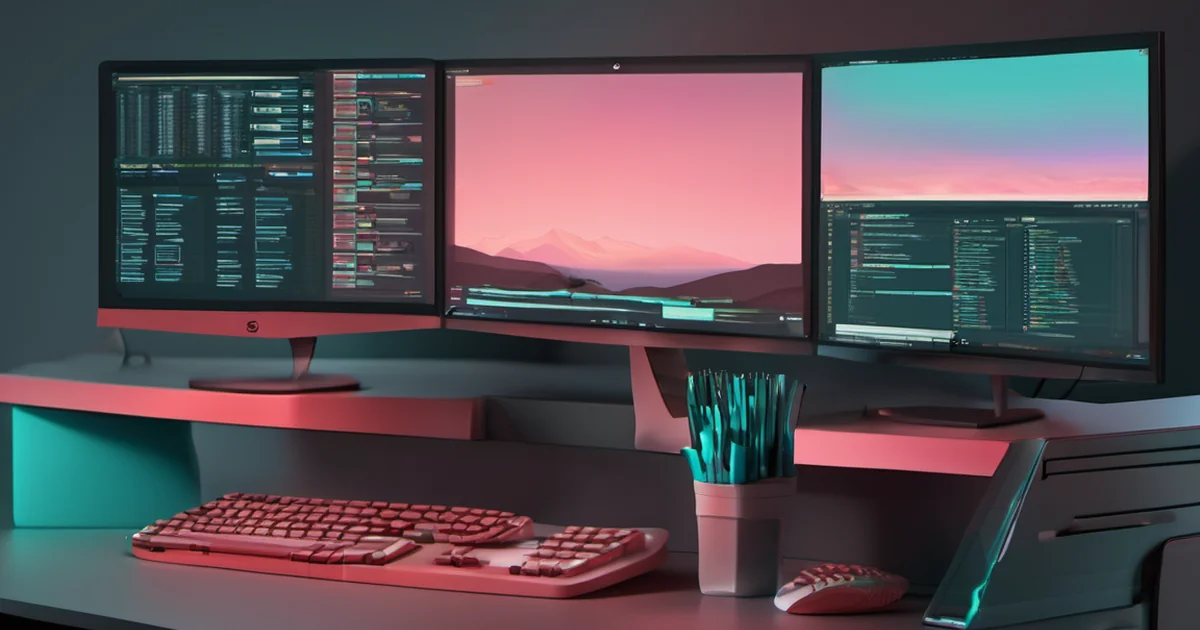
Dux Modular Shell Features
Dux Modular Shell is a free, open-source Wayland desktop shell that provides a complete desktop experience out of the box. It features dynamic theming and smooth animations, allowing users to customize their environment with ease. One of its standout capabilities is the automatic generation of matching colors for supported GTK and Qt applications, including terminals and editors, ensuring a cohesive look across the desktop. The shell supports GTK3, GTK4, and Qt, and allows users to set up app theming with precise control over color schemes, including light and dark modes. This level of customization ensures that users can tailor their experience to their preferences, down to the syntax highlighting in code editors.
Dux Files and System Monitoring
Dux Files is a fast, keyboard-first file manager with features such as tabs, split view, search, trash, devices, and network shares [Hacker News]. Complementing this is Dux GOP, a stateless system and process monitoring tool that tracks CPU, memory, GPU, disks, and network interfaces [Hacker News]. These components are part of the broader Dux project, which is backed by sponsors and supported by 115+ Ko-fi contributors [Hacker News]. The project is developed in the open by its community of contributors and is available as free and open-source software. No claims are made about performance benchmarks or user adoption figures, as these are not provided in the source material.
Theming and Color Customization
Dux, the free and open-source Wayland desktop shell, offers extensive theming and color customization options. According to Hacker News, the Dux Modular Shell automatically generates matching colors for supported GTK and Qt applications, terminals, and editors, ensuring a cohesive visual experience across the desktop environment. Hacker News highlights the use of the custom dank16 algorithm, which creates a full 16-color palette tailored for terminals and syntax highlighting, with contrast optimized for both light and dark themes. As noted in Hacker News, Dux supports GTK3, GTK4, and Qt applications, allowing users to set up app theming that matches colors precisely, including syntax highlighting. These features enable users to personalize their desktop environment while maintaining consistency across different applications and themes.
Additional Applications and Components
Dux includes several additional applications and components that enhance the user experience. The Dux Greeter (Hacker News) provides an aesthetically pleasing interface for logging into the desktop, ensuring a smooth and visually appealing start to the user's session. Another notable addition is the Dux Calendar (Hacker News), which integrates calendars, events, and tasks from multiple sources, including Google, Microsoft, CalDAV, and iCloud, offering a centralized view of the user's schedule. These components are designed to work seamlessly with the Dux desktop shell, reinforcing its position as a comprehensive and customizable Wayland environment. For users who find value in the project, Dux (Hacker News) encourages voluntary contributions to support ongoing development and infrastructure costs.
Sources and reporting notes
Based on published source material. No independent hands-on testing is claimed.



