Cubic Doggo 07B Wouf Hardware and Assembly Details
The Cubic Doggo 07B Wouf features 12 Feetech ST-3215-C018 servos, a Raspberry Pi 5, and a Hailege 24V/12V to 5V/5A DC-DC converter, with precise assembly and soldering requirements to ensure functionality.
Hardware Components and Specifications
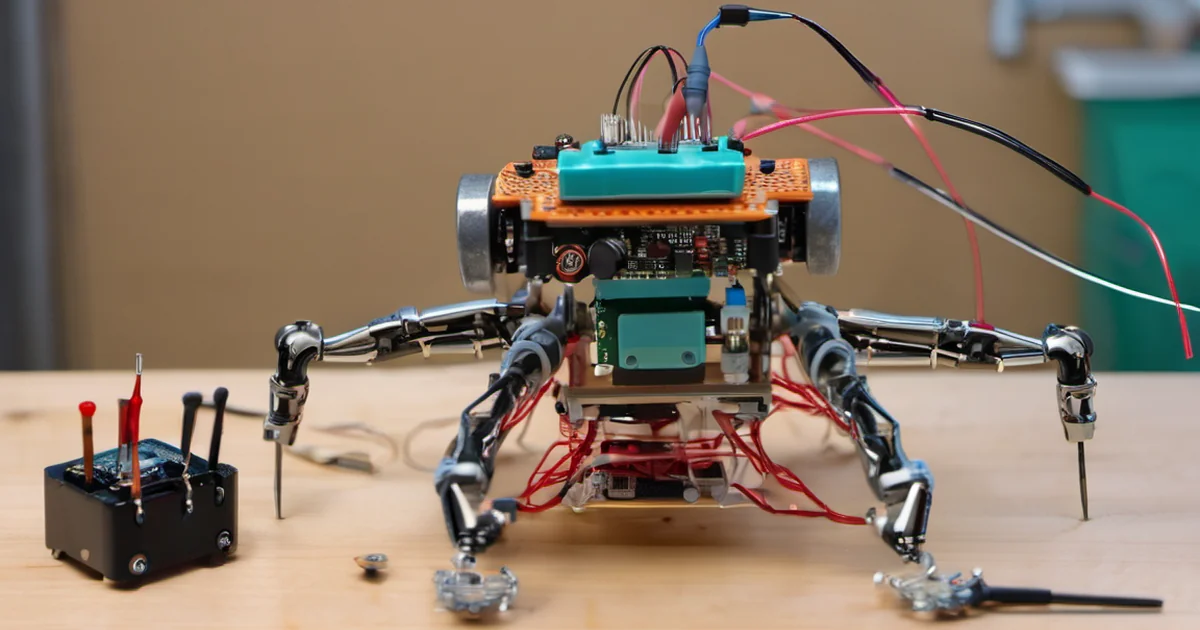
The Cubic Doggo 07B Wouf is an upgraded version of the base Cubic Doggo, featuring 12 Feetech ST-3215-C018 servos that provide a maximum stall torque of 3.0 N*m at 12.0V and 2.7A Hacker News Show. Weighing 2.2 kg with a payload capacity of over 1 kg, the robot is designed to carry roughly 50% of its body weight Hacker News Show. The hardware includes two servo driver boards for daisy-chain control and power, a Raspberry Pi 5 for onboard computing, and a Hailege 24V/12V to 5V/5A DC-DC step-down converter for power management Hacker News Show. A ZYGY 11.1V 2000mAh battery with built-in protection powers the system Hacker News Show. Additional components include signal wires, a 1000uF capacitor for stability, and a fire blanket for safety during testing Hacker News Show.
Assembly and Soldering Requirements
The Cubic Doggo 07B Wouf requires careful attention during assembly and soldering to ensure proper functionality and avoid damage to components. According to Hacker News Show and Hacker News Show, the length of screws used is critical—over-tightening by just 1 mm can damage the servo. For M2 self-tapping screws, a 10 mm length is recommended, with 6 mm of padding from the blue holder part. Additionally, Hacker News Show emphasizes the importance of using a center M3 screw when connecting the blue holder part to the servo shaft, as this significantly improves leg stability. Soldering T-plugs to the bottom of the screw terminal on the driver boards is required, and Hacker News Show advises using Kapton tape to insulate the two boards. The power system should avoid daisy-chaining more than three servos to prevent excessive current draw. For testing, the STServo Python library can be used after connecting the device and following setup commands like dmesg | tail -30 and ls -l /dev/ttyACM*.
Software Setup and Testing
The software setup for the Cubic Doggo 07B Wouf involves creating a Python virtual environment and installing the STServo_Python library, as outlined in the provided commands. Users must activate the environment, navigate to the appropriate directory, and install dependencies using pip install -r. The setup also requires copying specific files and modifying the test.py script to match the controller's port, such as /dev/ttyUSB0. For ROS2 integration, the project recommends installing ROS2 Jazzy on a Raspberry Pi, as detailed on the GitHub repository. Additional steps include downloading and configuring the ST/SC serial bus servo control library for Linux, which requires replacing specific CMakeLists.txt files. Testing individual servos or multiple servos with different controllers can be done using ROS2 commands like ros2 run my_toolbox_scs_workbench testSpin_servo1. Users are advised to carefully record position offsets for each servo to ensure precise alignment. A note from the source warns that frequent use of sts_wb.writeByterequires to unlock the EEPROM may lead to firmware corruption.
Sources and reporting notes
Based on published source material. No independent hands-on testing is claimed.



