ChatGPT Adds Animated GIF Creation Feature
ChatGPT now allows users to generate animated GIFs directly within its interface by providing prompts or uploading photos, with options to adjust playback speed and edit individual frames.
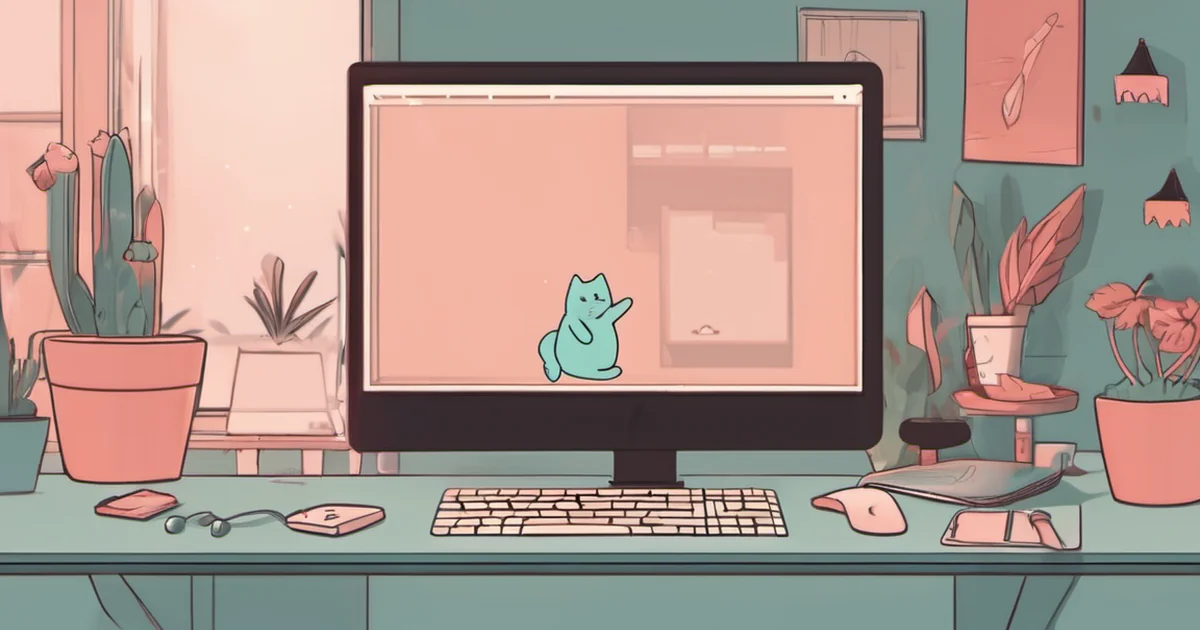
ChatGPT's New GIF Creation Capabilities
ChatGPT now includes the ability to create animated GIFs directly within its interface, according to OpenAI. Users can generate GIFs by providing a prompt or uploading a photo, with the AI then assembling individual frames into an animation. An example shared by the company demonstrates how a prompt such as 'can you make a gif of a cat dancing?' results in a generated GIF, which can be adjusted for playback speed and viewed frame-by-frame. This feature is integrated into the image generation system, as noted in the Codex code with a new flag called image_generation_animation. Additionally, ChatGPT can create animated GIF files by writing and running Python code behind the scenes, provided the conversation has access to code execution and the necessary libraries. This capability allows users to generate animations without requiring external plugins.
Implementation Details and User Interaction
ChatGPT’s new GIF creation feature, currently rolling out with OpenAI’s Images 2.6 model, allows users to adjust animation speed, edit individual frames, and share the final product. According to The Verge AI, users can select the number of frames and set the duration for each, providing granular control over the animation. The Atlas Cloud plugin, as noted in atlascloud.ai, connects ChatGPT to Seedance 2.5 and a broader model catalog, enabling Seedance to render intermediate motion frames automatically. Once the plugin completes the job and saves the output as an MP4, ChatGPT converts it into a GIF and stores it in the same folder, as described in atlascloud.ai. While the feature is now available, x.com indicates that it was initially added to the codebase and is still in the process of being fully activated. Users can begin experimenting with prompts such as creating a professional animated GIF for a fictional online store promotion, as outlined in mikellane.com.
Performance and Output Specifications
ChatGPT now supports the creation of animated GIFs, with performance and output specifications influenced by platform-specific limits. According to the company, users generate over 4 billion images per week across ChatGPT and its API, a jump from the 3 billion per week it reported in September. When creating GIFs, ChatGPT adheres to destination-specific constraints, such as GIPHY’s recommendation of 6 seconds or less, 8 MB or less, and 480p source with fewer than 200 frames. A 5.2 MB GIF at 480 px and 10 fps fits under all three limits, making it a safe default for cross-platform use. Users can also request vertical formatting for social media, and ChatGPT can adjust animations to fit a 9:16 ratio while maintaining continuous looping. Specific branding instructions, such as using actual website colors, can be followed by the model during the creation process.
Integration with Other Tools and Platforms
ChatGPT now integrates with tools like Atlas Cloud and Seedance 2.5 to generate animated GIFs. By rendering four seconds of real video through Seedance 2.5 and using Atlas Cloud, ChatGPT can convert this into a seamless loop with a captioned meme. Users can upload an MP4 to a regular chat and request a looping GIF, as ChatGPT's sandbox environment includes ffmpeg to generate a downloadable link. For enhanced visuals, users can provide reference images to ChatGPT, allowing it to redesign static PNGs into more polished, professional-looking graphics. In one instance, a user asked ChatGPT to make the web dark gray, and it regenerated the animation with improved contrast. These features demonstrate how ChatGPT is expanding its capabilities beyond text generation to include multimedia creation.
User Experience and Customization Options
ChatGPT now allows users to generate animated GIFs directly through its interface, offering a new level of customization. According to an example shared by the company, users can prompt ChatGPT with requests such as, “can you make a gif of a cat dancing?” and then adjust playback speed or view the GIF frame-by-frame. Users also have control over the number of frames and the duration of each one, as noted in a conversation between users on social media. One user remarked, “once this goes live nobody's searching for reaction gifs anymore, you'll just make your own in seconds.” Additionally, ChatGPT's GIFs keep one frame every tenth of a second, resulting in 40 rendered frames in a 5.2 MB file, as reported in one excerpt. The feature also allows users to add new animated effects to existing GIFs without requiring a complete rebuild, according to another user's experience.
Sources and reporting notes
Based on published source material. No independent hands-on testing is claimed.



